
Announcements
Organize and Publish Important Information Easily
This feature allows teachers to create, edit, and manage announcements to students or specific classes in an organized and efficient manner. Each announcement can be accompanied by a title, full description, and supporting attachments in various file formats such as PDF, Word, images, to YouTube links.
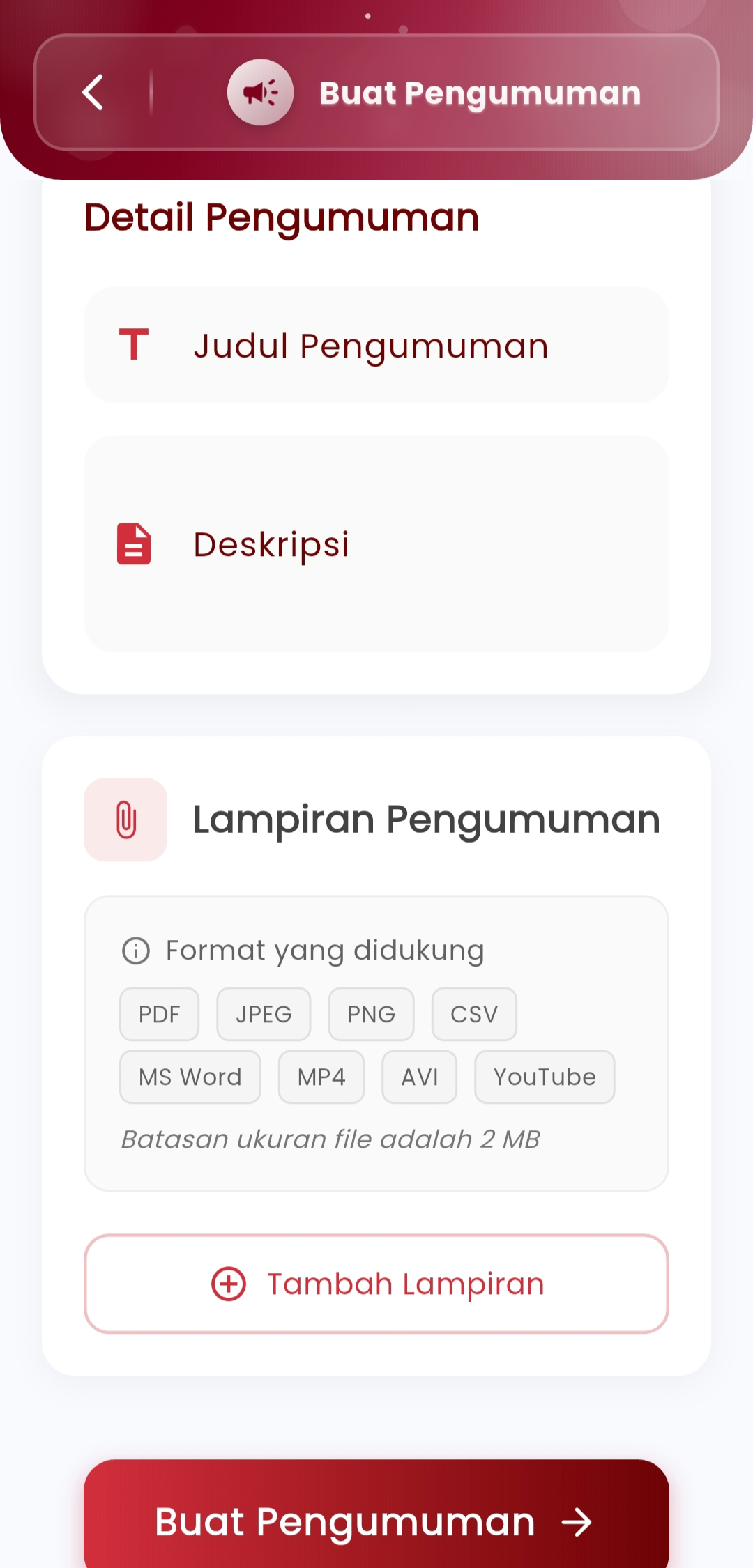
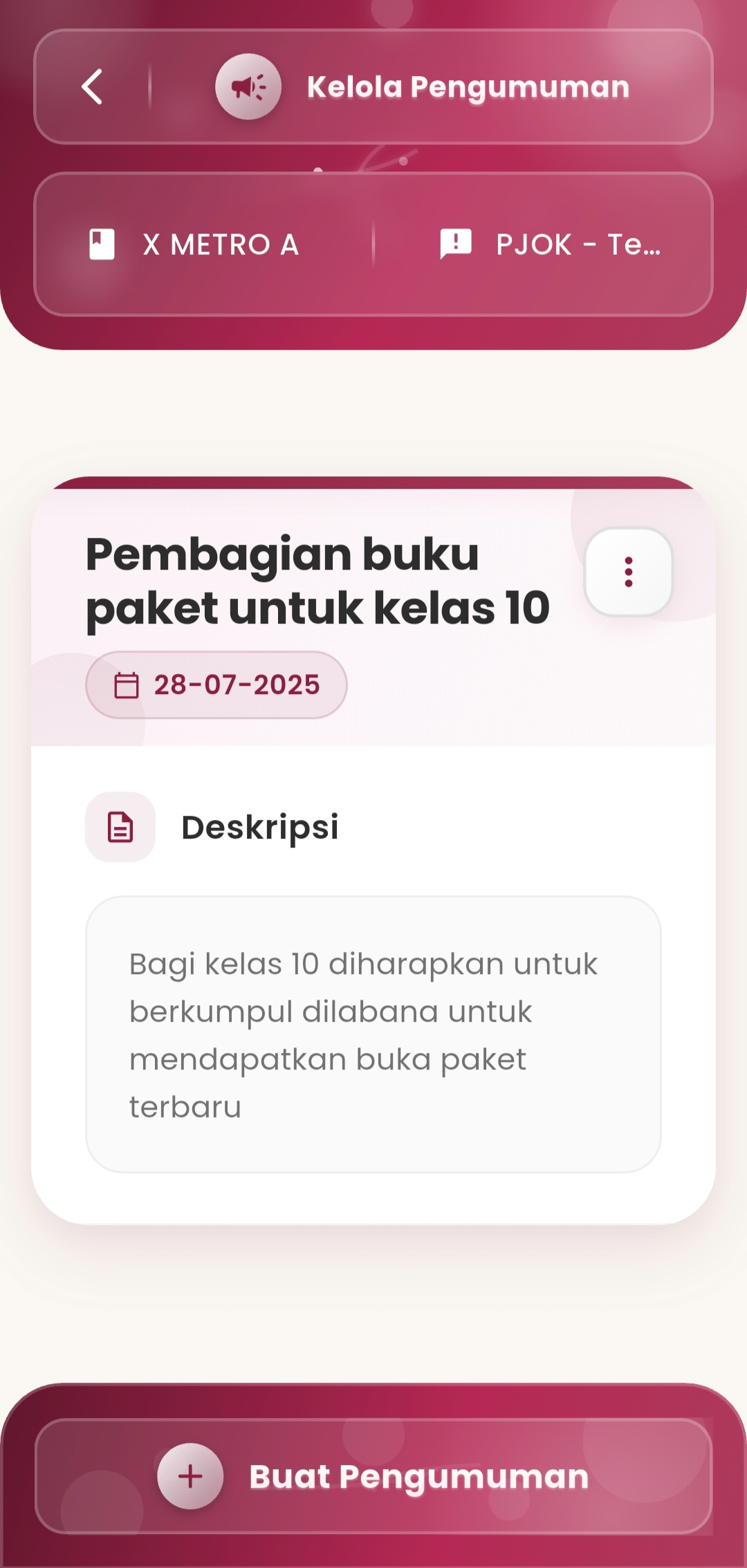
Announcement Details
- Announcement Title: Give a short name that reflects the content of the announcement.
- Description: Explain the content of the announcement in detail so that students understand the intent and follow-up.
Announcement Attachments
- Upload supporting files in various formats such as PDF, JPEG, PNG, CSV, MP4, AVI, and Word documents.
- The maximum size of each file is 2 MB.
- Also supports video links (YouTube) for media-based announcements.
Publication
- After the announcement is created, press the Create Announcement button to send it directly to the destination class or students.
- Created announcements can be managed, updated, or deleted as needed.
If you need further assistance, contact us through the eSchool Help Page.