
View Classes
Comprehensive Navigation of Classes and Subjects at Your Fingertips
The View Classes menu provides quick and organized access to all information related to classes, homeroom teachers, and the subjects taught. Designed for teachers, students, and school admins alike — this feature allows you to view the entire class structure, see who is teaching, and check the subjects available in each class.
Main Features:
-
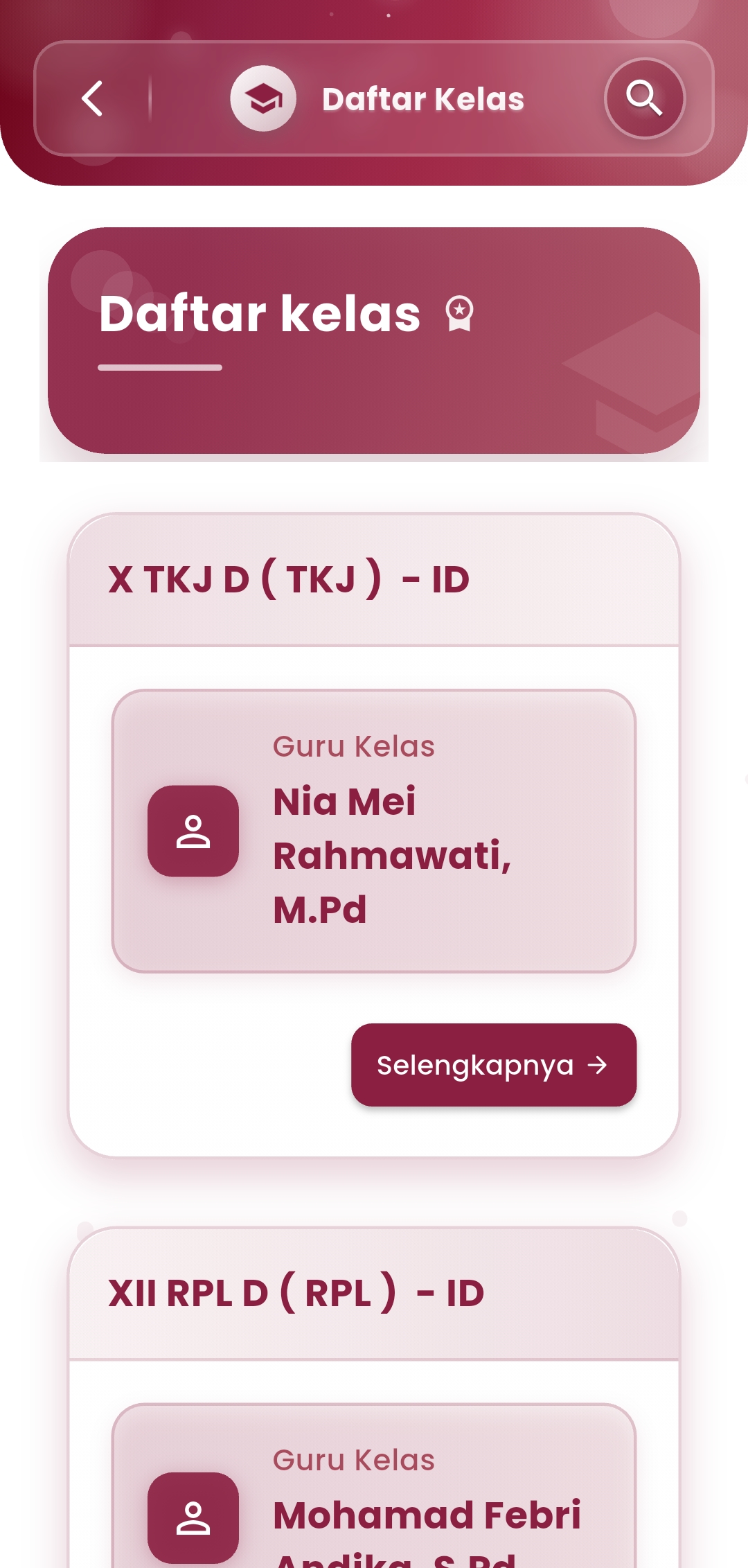
Class List & Homeroom Teachers
Each class is displayed in a card format with complete identification:
- Class Name & major (e.g., XII RPL D)
- Homeroom Teacher complete with name and titles
- "Details" button to view student list, subjects, and assigned teachers
The elegant interface makes it easy for you to find a class in just a few taps.
-
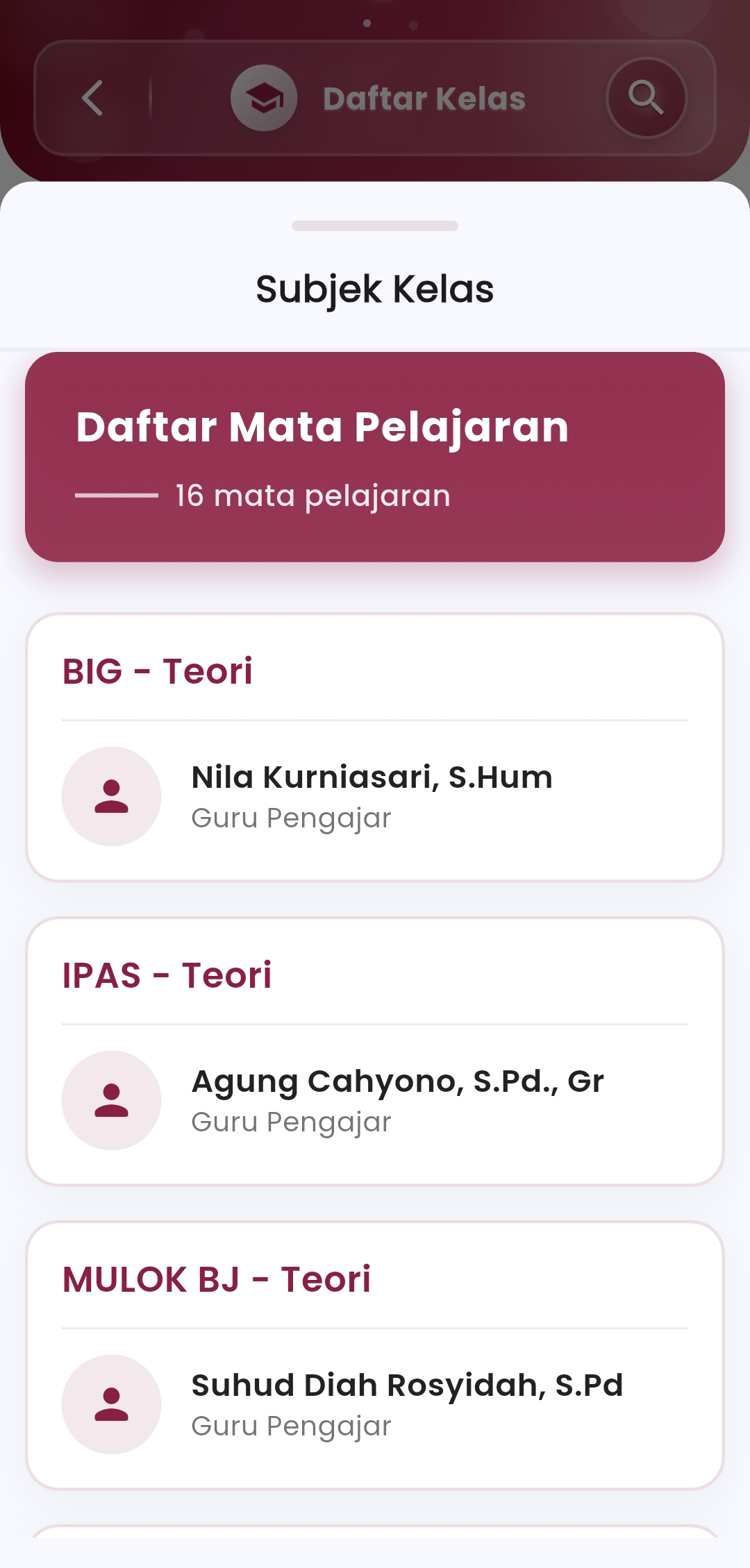
Subjects and Coursework
This feature displays all subjects connected to each class, complete with:
- Subject Name & type (Theory/Practical)
- Assigned Teacher
- Avatar icons for easy visual identification
-
Class Search Feature
With the search icon at the top of the screen, users can quickly find a class based on name, major, or homeroom teacher's name. This is extremely helpful for schools with a large number of classes and teachers.
If you need further assistance, contact us through the eSchool Help Page