
Registration
How to Register and Access eSchool Mobile
eSchool Mobile can only be used by schools that have officially subscribed through the eSchool team. Users cannot register independently through the application, because the activation process is done centrally by the eSchool team.
School Registration Steps:
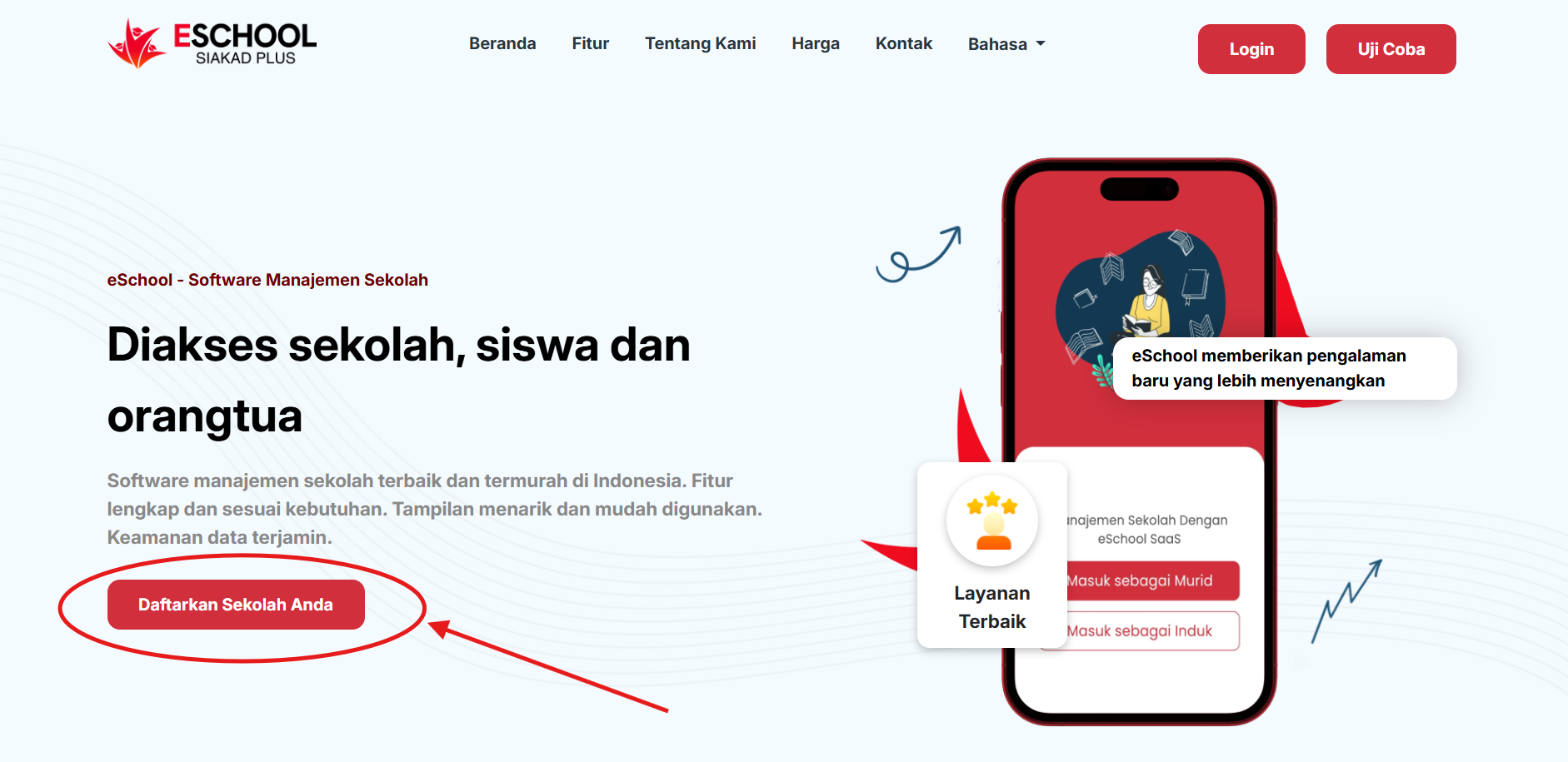
- Schools register on the eSchool Siakad website page by clicking the "Register Your School" button.
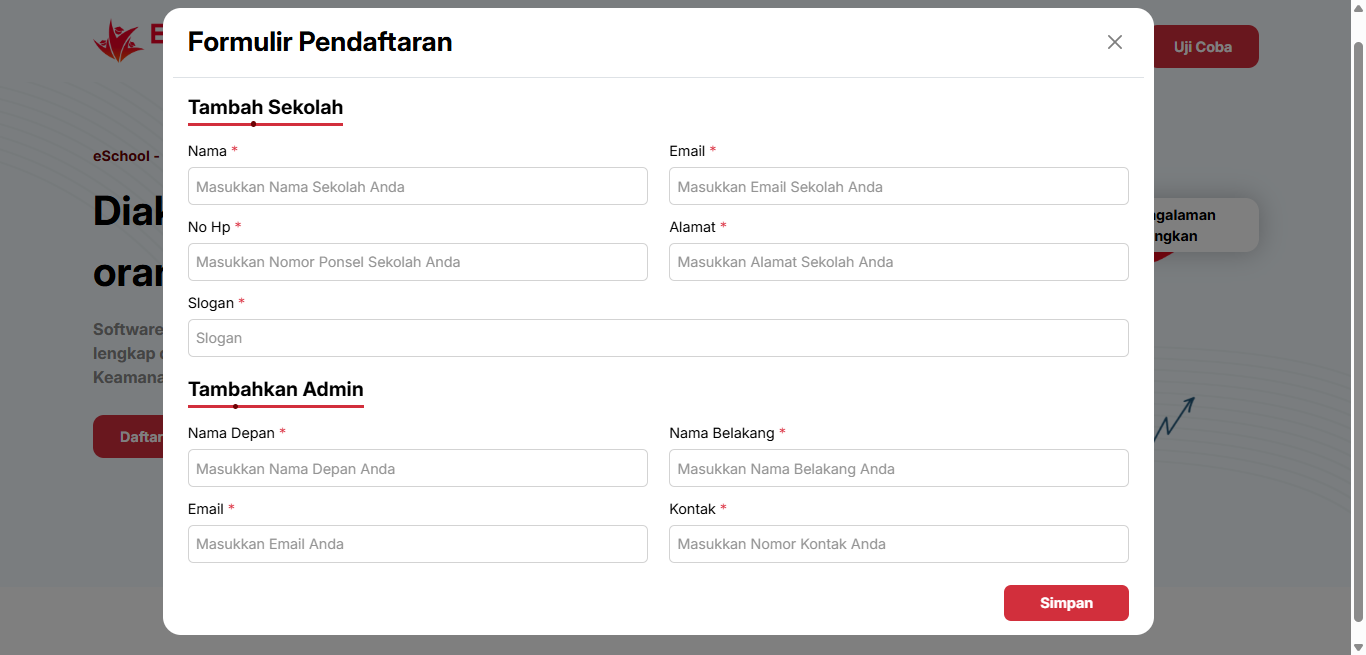
- Fill in the school and admin registration form that appears after the button is pressed.
-
After activation, the eSchool admin will:
- Create a school admin account (for the principal/operator).
- Provide initial login access.
-
The school admin can then create and manage other user accounts such as:
- Teachers
- Students
- Parents/guardians
-
User accounts will be sent via email or official communication media from the school.
Access to Mobile Application
- After the account is created by the school admin, teachers, students, and parents can download the eSchool Mobile application from Play Store / App Store.
- Login is done using the official account shared by the school.
- After the first successful login, users can directly access features according to their respective roles.
Important to Know
- No independent registration available for individuals (teachers/students/parents) through the application.
- The eSchool usage process always starts from the school, not individuals.
- If you are a user (teacher, parent, or student) who wants to use eSchool Mobile, please direct your school to contact the eSchool team to start the official registration process.
If you need further assistance, contact us through the eSchool Help Page.