
Academic Year
Organize & Manage School Academic Years More Neatly
The Academic Year menu in the eSchool application makes it easier for school admins to organize the current educational periods and adjust the active and default academic year status used by all school system modules.
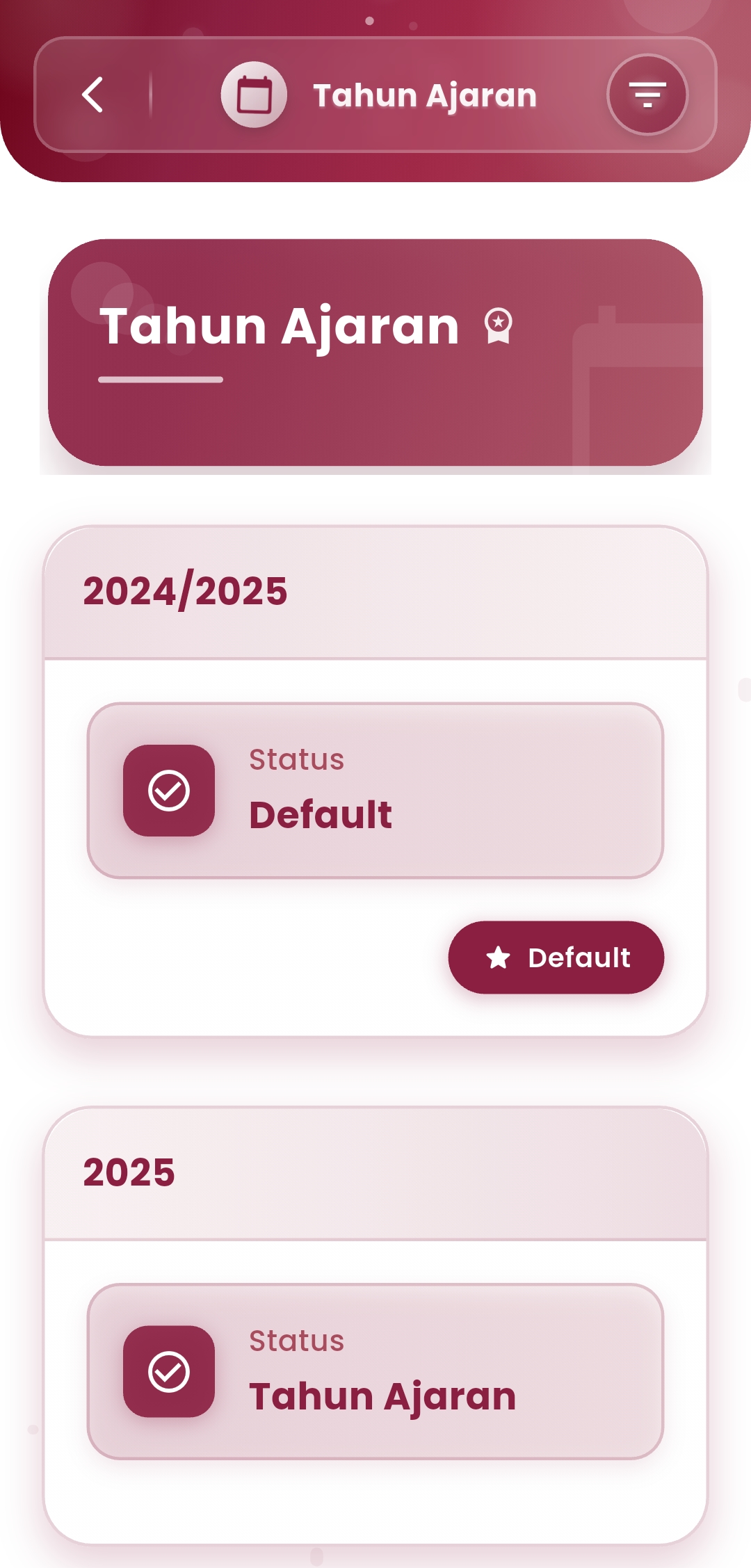
Main Features:
-
Academic Year Status
View the current status of each available academic year:
- Default: The primary academic year used systematically by all modules.
- Active/Registered: New academic years that have been created and are ready to be activated if necessary.
-
Special Access
This menu is only available to school admins or personnel with system management rights, ensuring the security and accuracy of settings are maintained.
If you need further assistance, contact us through the eSchool Help Page