
Manage Topics (Sub-chapters)
Arrange Materials Based on Sub-chapters for More Directed Learning
The Manage Topics (Sub-chapters) feature allows teachers to manage and divide lessons into more specific topics, according to the curriculum structure. Each topic can be equipped with descriptions and learning materials in various formats.
Key Features:
-
Add New Topic or Sub-chapter
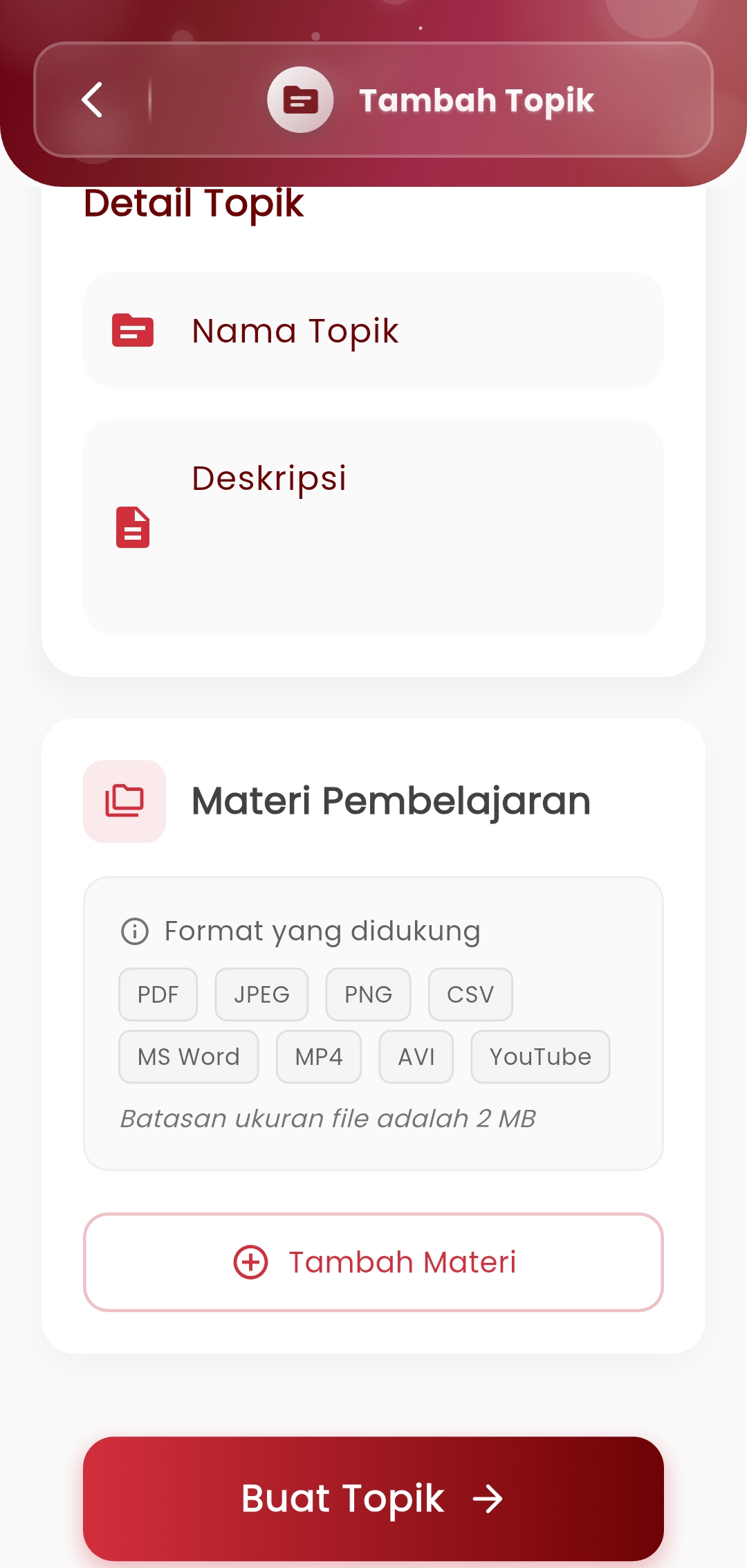
Teachers can create new topics in a lesson chapter by determining:- Topic Name
- Brief Description regarding objectives or material scope
-
Upload Supporting Materials
Each topic can be equipped with learning files such as:- PDF, Word, CSV
- Images (JPEG, PNG)
- Videos (MP4, AVI)
- YouTube Links
(Maximum file limit: 2 MB
-
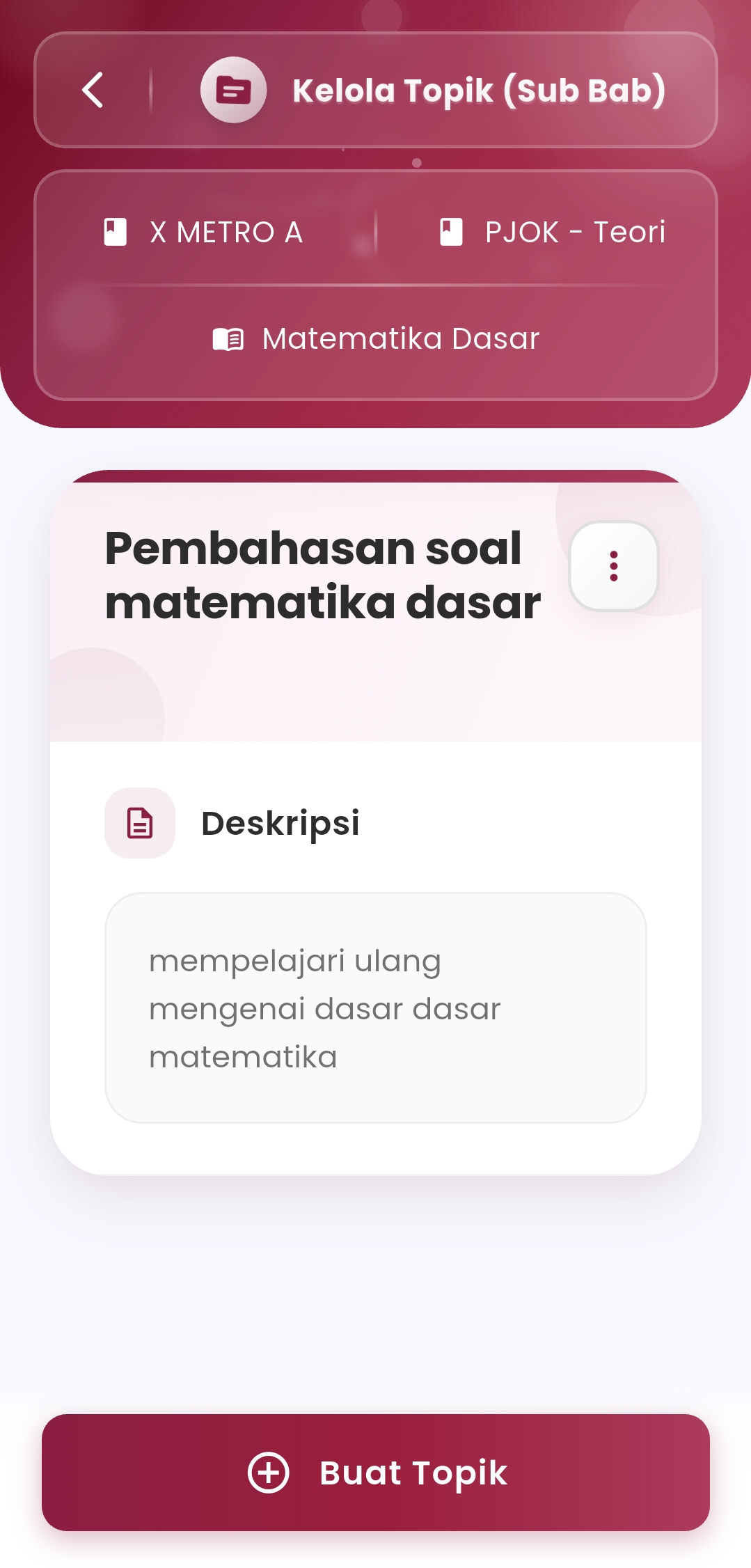
Preview & Manage Topics
The topic list view is equipped with description columns and material attachments that have been uploaded.
Benefits:
- Facilitate teachers in compiling material structures gradually and in detail
- Encourage student independent learning through digital topic access
- Facilitate material delivery during online or blended learning
- Support multimedia integration as part of teaching methods
Usage Tips:
- Use concise but informative descriptions for each topic
- Divide long lessons into several topics so students can focus more
- Upload relevant, clear, and structured materials according to the teaching sequence in class
If you need further assistance, contact us through the eSchool Help Page.