
Holiday History
Monitor Your Entitlements and Holiday History: Real-Time & Transparent
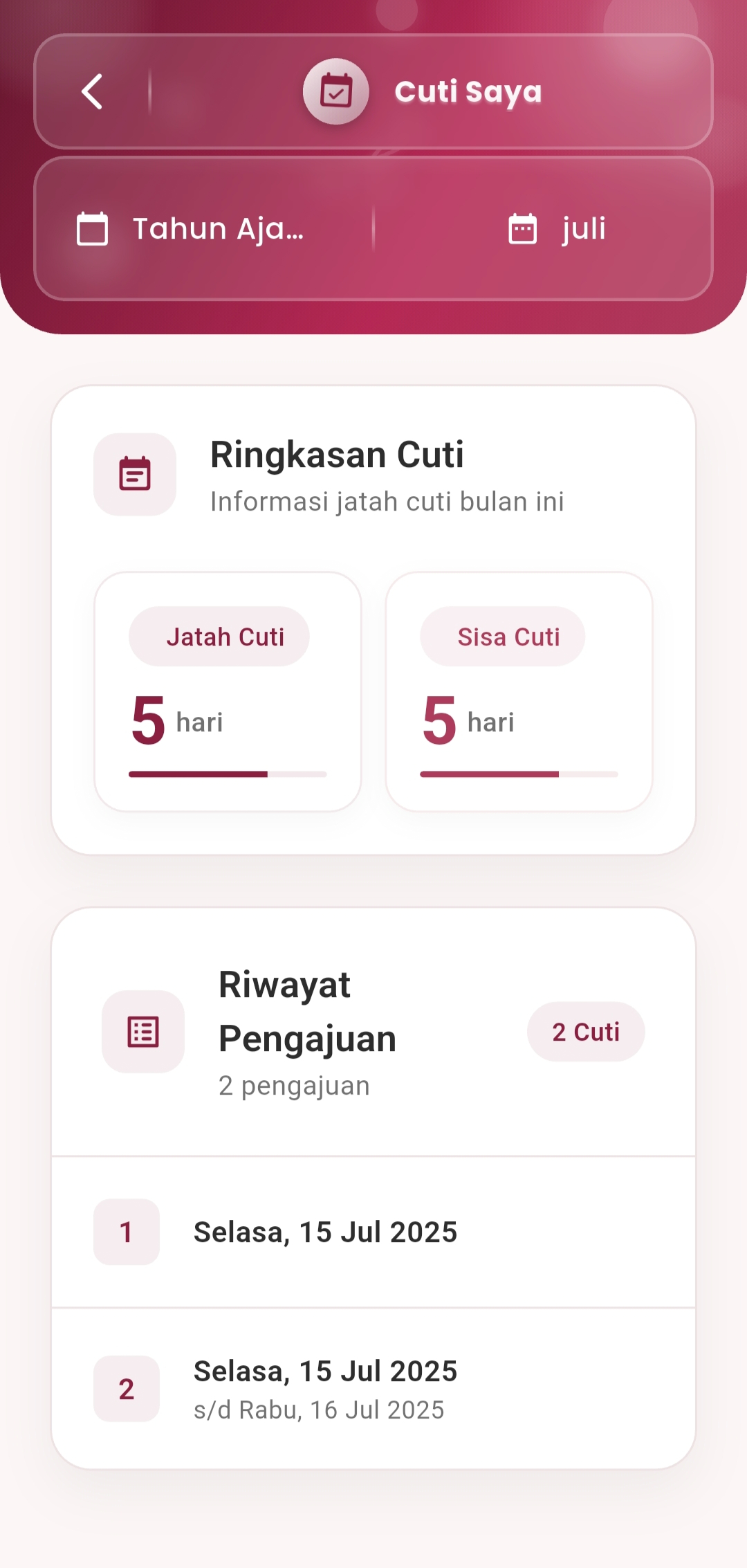
The My Holiday menu allows users to view a summary of their holiday quota and their entire holiday application history in one neat and intuitive display.
Main Features
-
Monthly Holiday Quota Summary
The holiday summary section displays two key pieces of information:
- Holiday Quota: Total holiday allocation for the current month
- Remaining Holiday: Holiday days that have not yet been used
A horizontal visual bar indicator is displayed below it to provide a quick overview of holiday usage progress.
-
Holiday Application History
All holiday application data is well-documented and displayed chronologically:
- Automated application number
- Holiday application dates (single day or date range)
- Application information displayed concisely yet informatively
Example:
1. Tuesday, July 15, 2025
2. Tuesday, July 15, 2025 – Wednesday, July 16, 2025The total number of holiday days applied for in a month is also summarized in small labels such as "2 Holidays".
-
Filter by Year and Month
Users can filter history data based on:
- Academic Year
- Month
This feature is very helpful for tracking annual data, checking remaining holiday between months, and ensuring compliance with company policies.
If you need further assistance, contact us through the eSchool Help Page.