
Staff Holidays
Manage and Track Holiday Requests for All School Staff Practically and Transparently
The Staff Holidays menu is specifically designed to support school admins in monitoring, approving, and recording the holiday history of educators and other staff in a centralized manner. The process from submission to verification of holiday can now be done directly through the eSchool mobile application, anytime and anywhere.

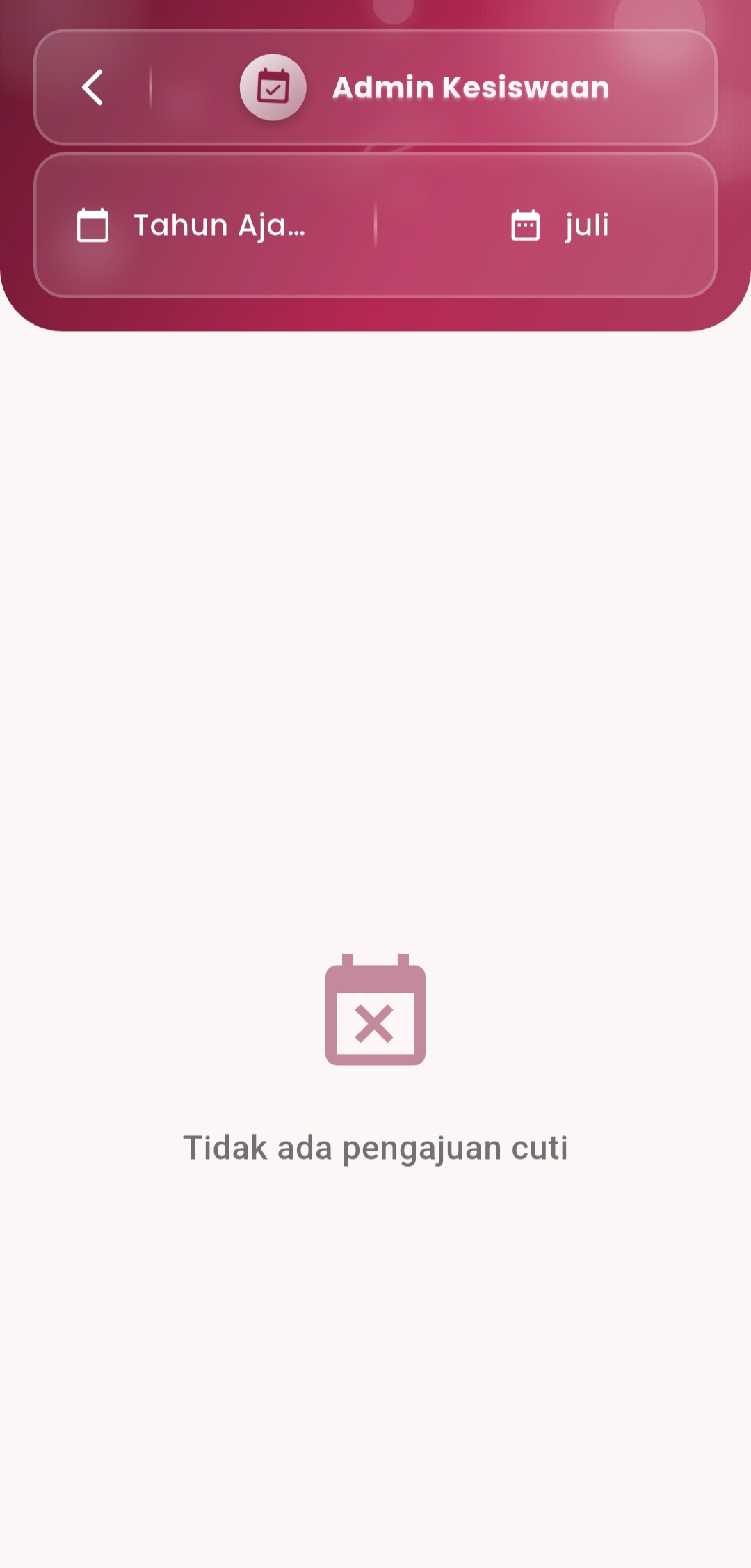
Main Features
-
Digital Holiday Submission
Staff can submit holiday requests through the system by inputting the date, type of holiday, and reason. All data is directly saved and forwarded to relevant admins for the approval process.
-
Filter by Year & Month
Admins can filter holiday requests based on a specific academic year and month, making the data search and review process more efficient. Ideal for compiling annual or monthly summaries.
-
Real-Time Status & Notifications
Each submission will display a status:
- Pending – Waiting for approval
- Approved – Has been approved by the admin
- Rejected – Submission was not granted
This status helps staff monitor the progress of their holiday application directly.
-
Integrated Holiday History
All holiday history (both active and inactive) is recorded automatically. Admins can check the frequency, type of holiday, and its distribution during the current period.
-
Transparency and Accountability
Every holiday decision can be tracked and audited, thereby maintaining transparency between staff and management. No more manual submissions that go missing or are undocumented.
If you need further assistance, contact us through the eSchool Help Page