
Attendance Recap
Download and Review Student Attendance Recap Monthly
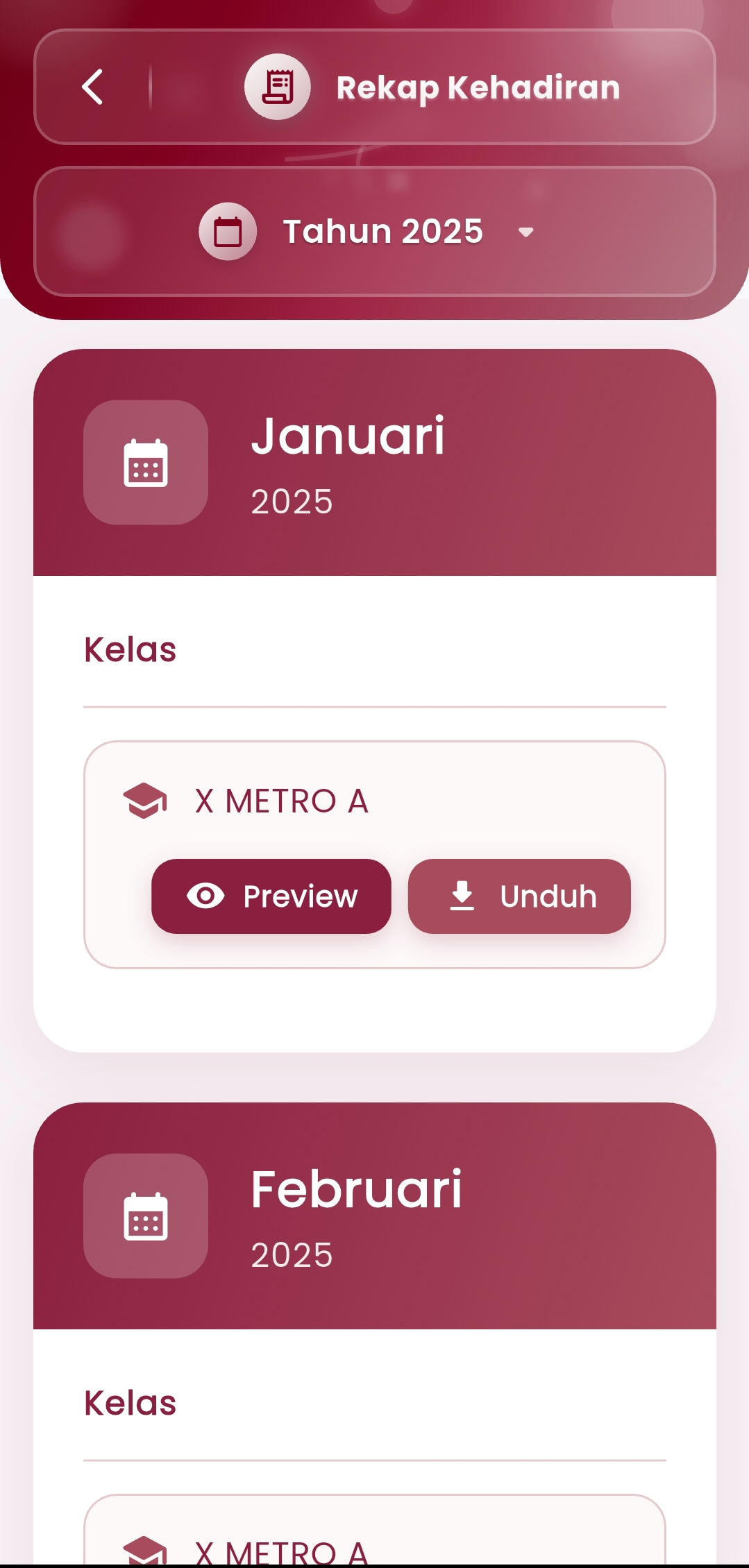
The Attendance Recap menu in the eSchool Mobile application makes it easy for teachers, homeroom teachers, and school admins to view, access, and download student attendance recap reports monthly and per class.
Key Features:
- Recap Navigation Per Month and Year
Select the desired academic year (e.g. Year 2025), then the system will display student attendance recap based on months, such as January, February, and so on. - Automatically Managed Classes
Each month will display a list of classes that have attendance data. Users can view specific data, for example: Class X Metra A. - Preview & Download Report
Two options available:- Preview: View student attendance recap in table format directly from the application.
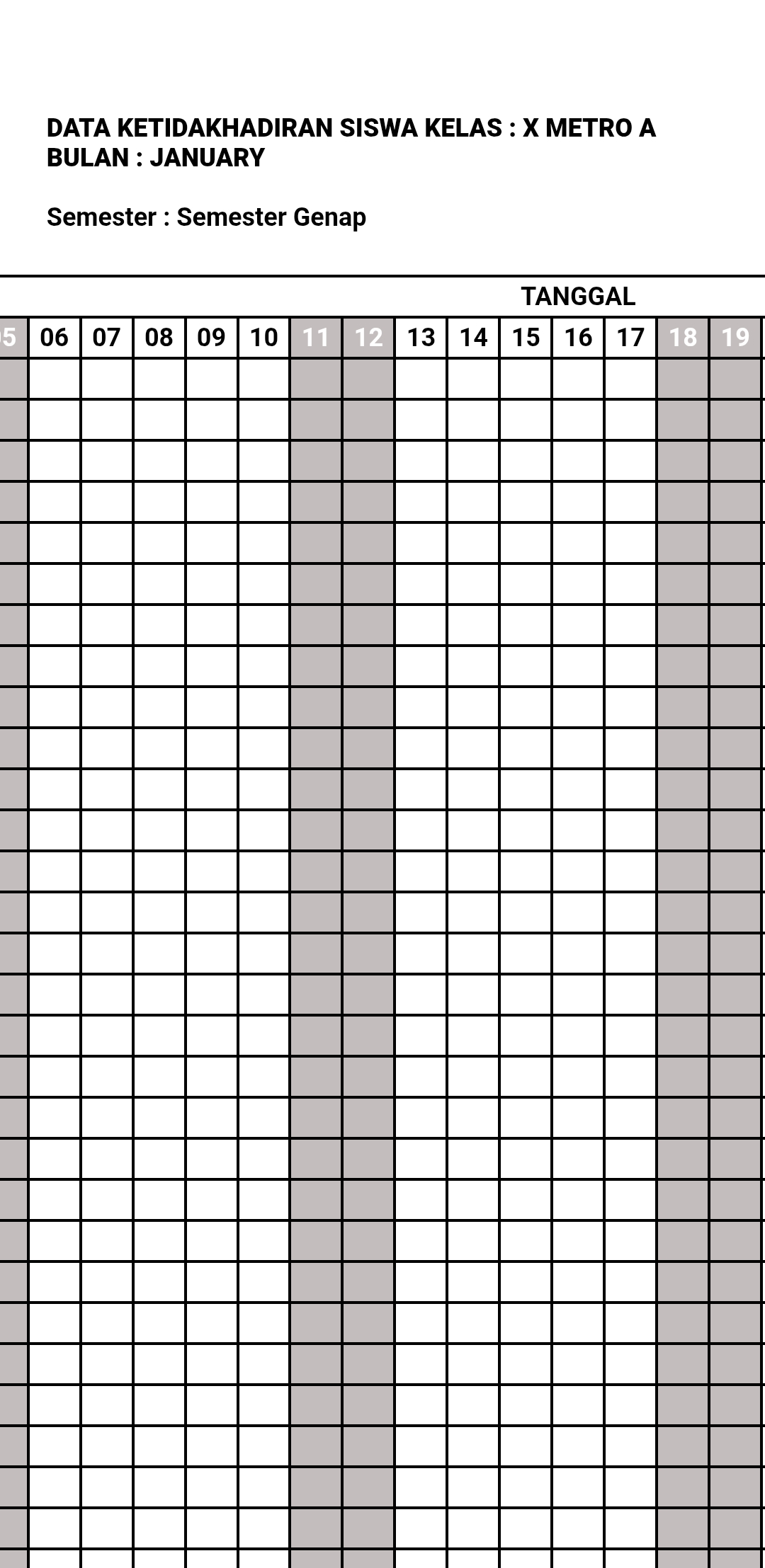
- Download: Save the report to your device in a print-ready PDF file form, such as the monthly "Student Absence Data" table.
Report Format:
- The report is presented in a complete table form containing active dates during that month.
- Each column represents student attendance status per day.
- This format is ideal for discipline tracking, counseling reporting, and administrative documentation purposes.
Benefits:
- Facilitate periodic attendance reporting to the school or parents
- Reduce manual attendance recap processes outside the system
- Ensure attendance data is documented neatly, consistently, and ready to print
- Support supervision, audit, and monthly academic reporting needs
Usage Tips:
- Use this menu every end of the month to recap attendance before report cards, counseling hearings, or semester reports.
- Recaps can be shared in school meetings or sent to parents digitally.
If you need further assistance, contact us through the eSchool Help Page.