
Special Activity Attendance
Student Attendance Menu
Record, Monitor, and Report Attendance in Real-Time
The Student Attendance feature in eSchool Mobile allows teachers and homeroom teachers to record student daily attendance digitally, quickly, and accurately. This system is designed to be efficiently used in learning activities and other school activities directly from mobile devices.
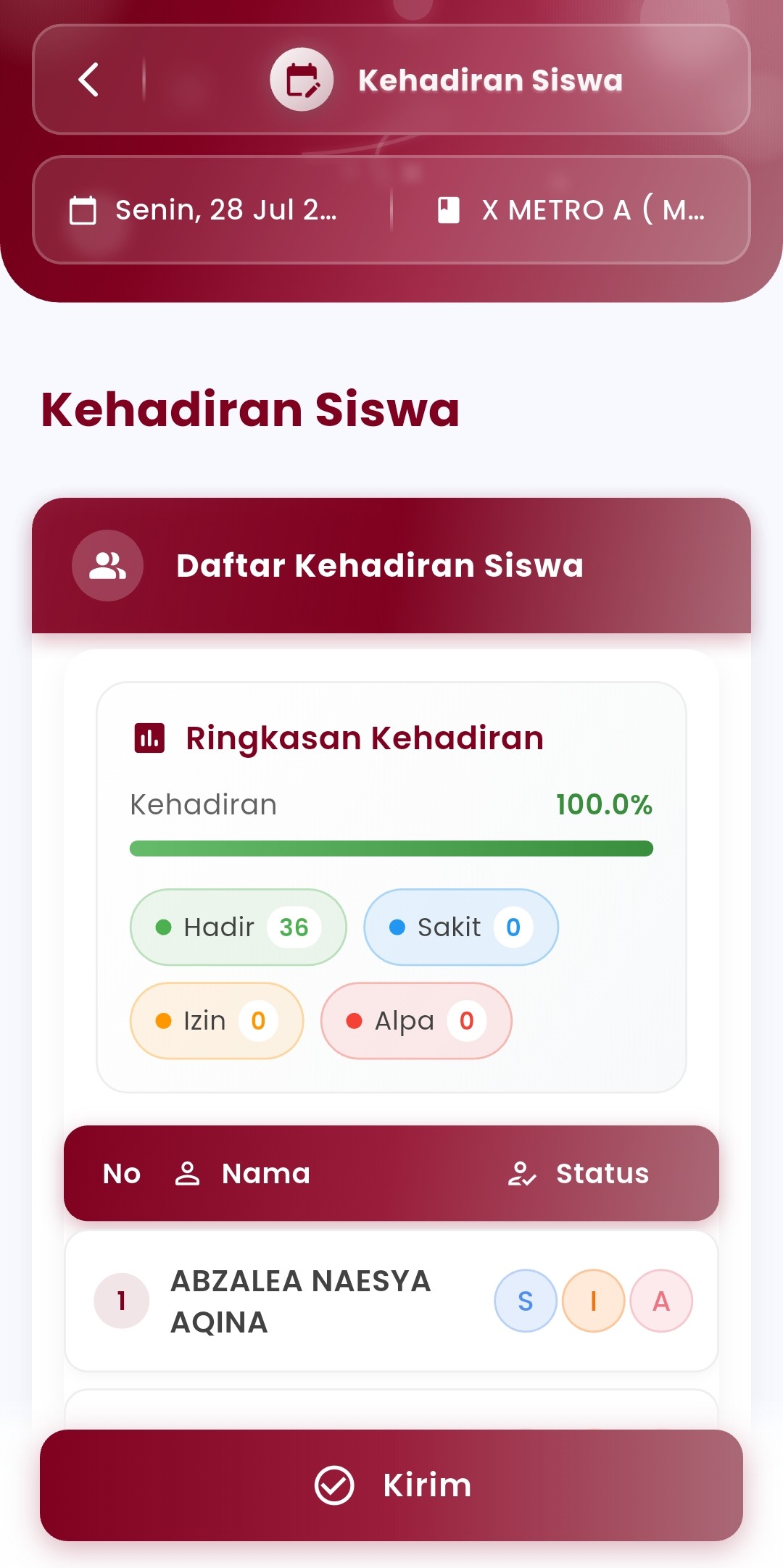
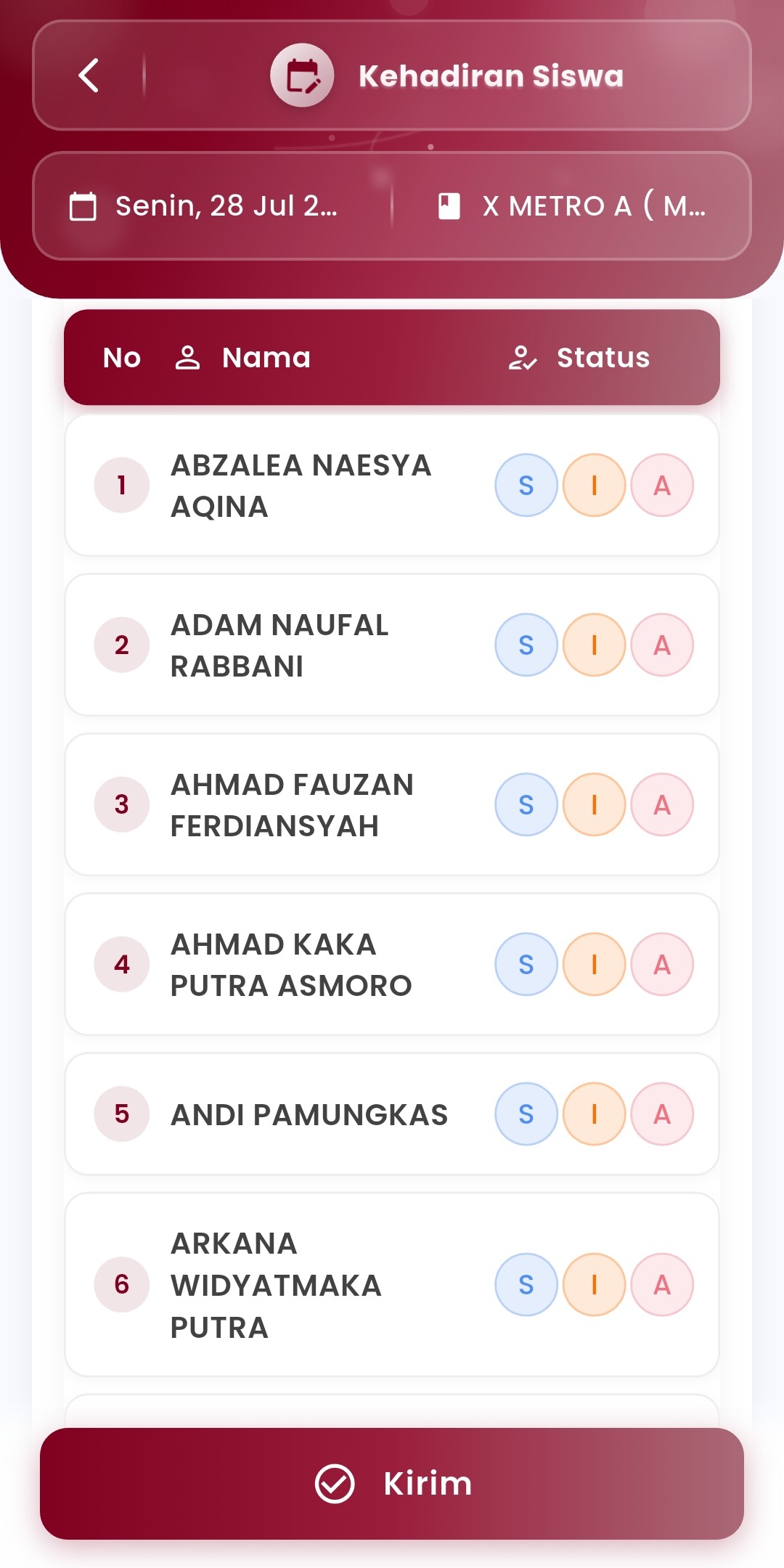
Key Features:
- Filter by Date & Class
Teachers can select the date and class taught before recording attendance. - Automatic Attendance Summary
Attendance statistical visualization is available in the form of progress bars and total numbers for each status:- Present
- Sick
- Permission
- Absent (Alpha)
- Individual Attendance Input
Each student is displayed in a list with attendance status options that can be selected directly (S/I/A) with just one tap. - “Send” Button
Recorded data can be directly saved and sent to the central system for reporting and automatic recap.
Objectives and Benefits:
- Facilitate digital attendance recording without paper
- Increase the speed of daily attendance reporting
- Ensure data transparency and accuracy connected with school admins and parents
Usage Tips:
- Record attendance right after students are present in class or activities begin
- Use the summary feature to evaluate daily attendance quickly
If you need further assistance, contact us through the eSchool Help Page.