
Online ExamsManage online exams
Create Online Exam
Build Your Digital Exam in a Few Easy Steps
The Create Online Exam feature provides freedom in defining exam parameters in detail with an efficient and clear form layout.
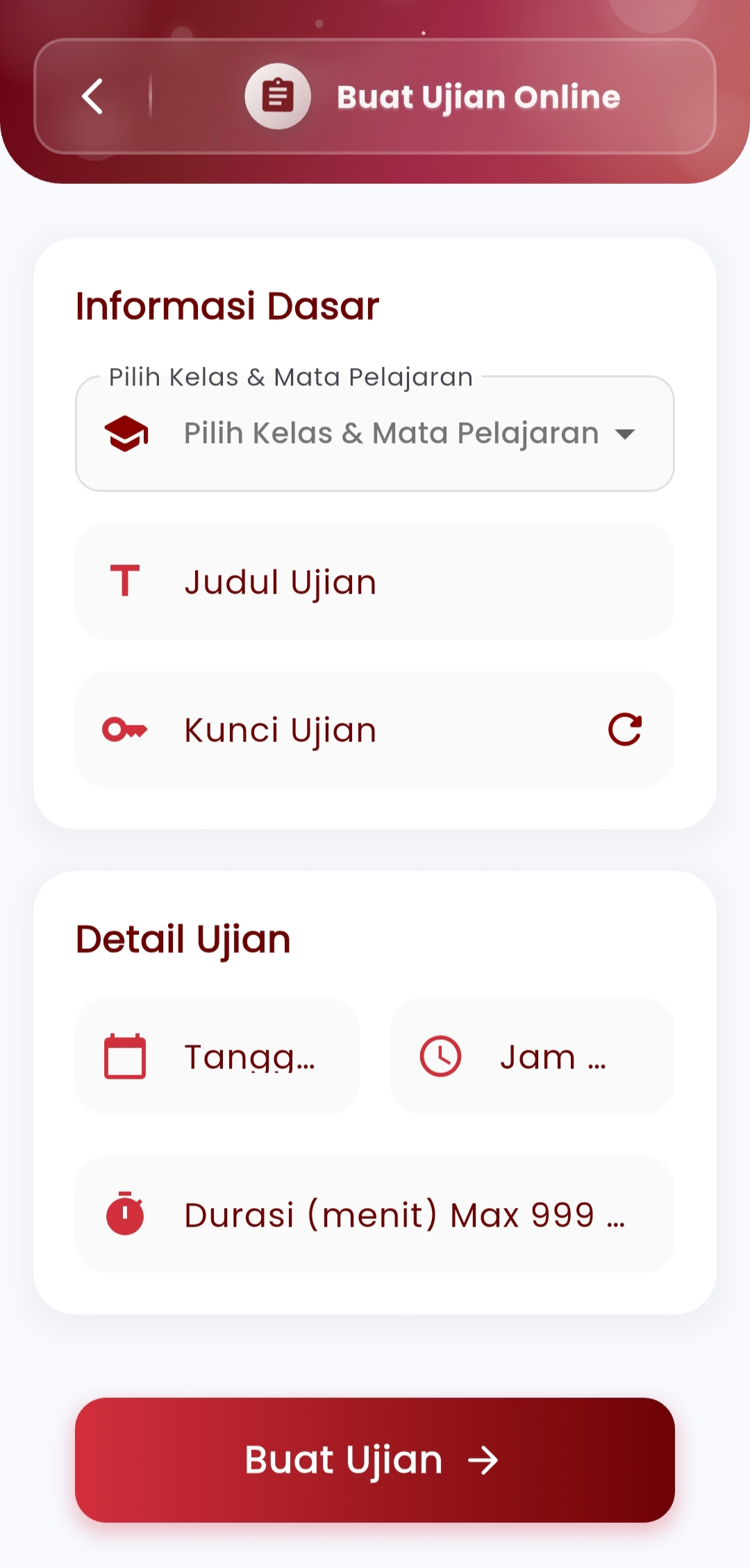
Steps to Create an Online Exam:
-
Basic Information
Define:
- Class and subject
- Exam title
- Exam key (for participant entry access)
Exam keys can be generated automatically or customized manually to maintain confidentiality.
-
Exam Details
Set:
- Start date and time
- End date and time
- Maximum exam duration (up to 999 minutes)
This provides full control over completion time and exam validity.
-
Finalization
Once all parameters are set, simply press "Create Exam" to instantly publish the exam to students in the associated class. The exam will automatically be added to the list and can be edited at any time.
If you need further assistance, contact us through the eSchool Help Page.